Adobe Dreamweaver Online Live Class by Experts
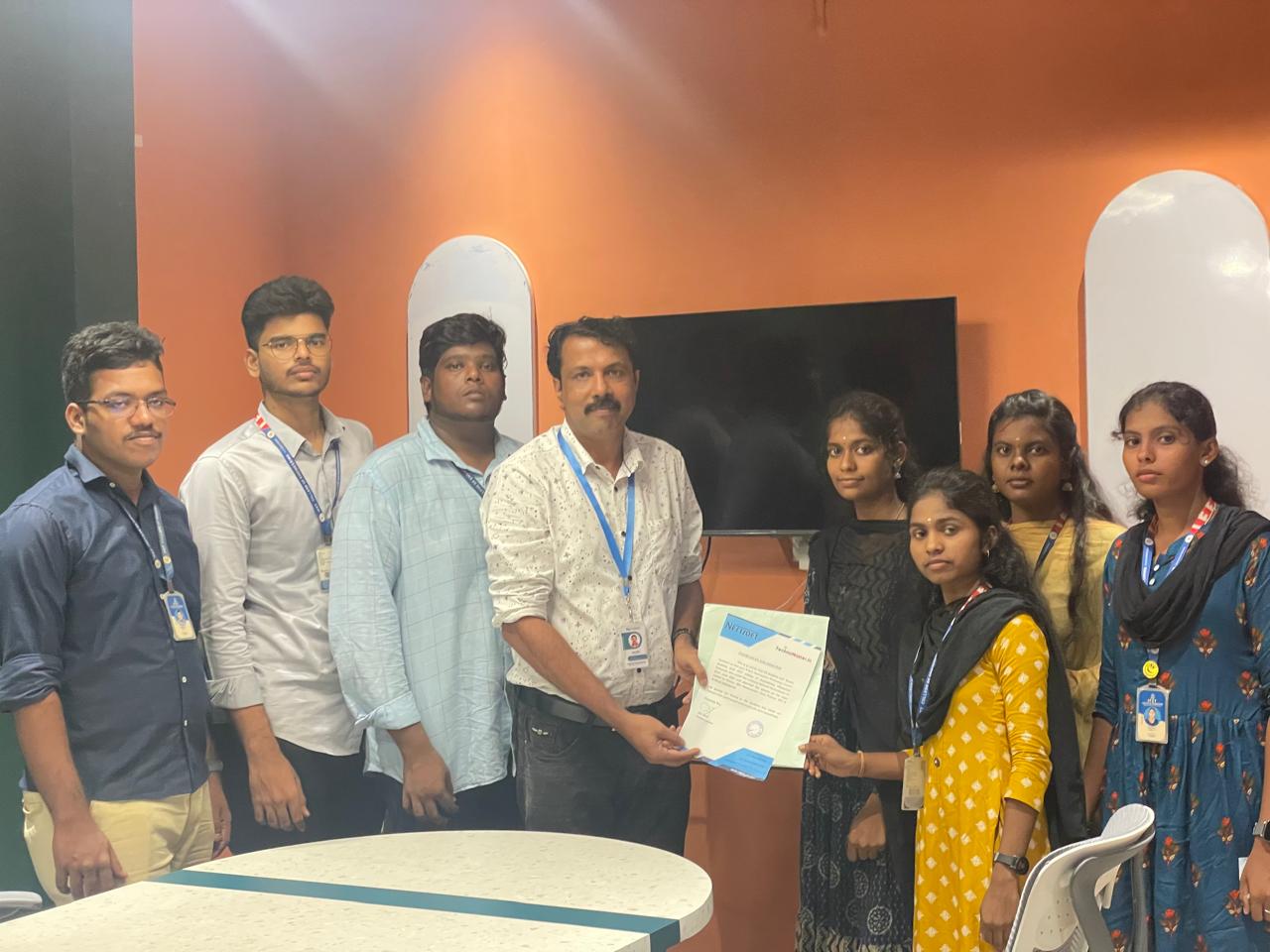
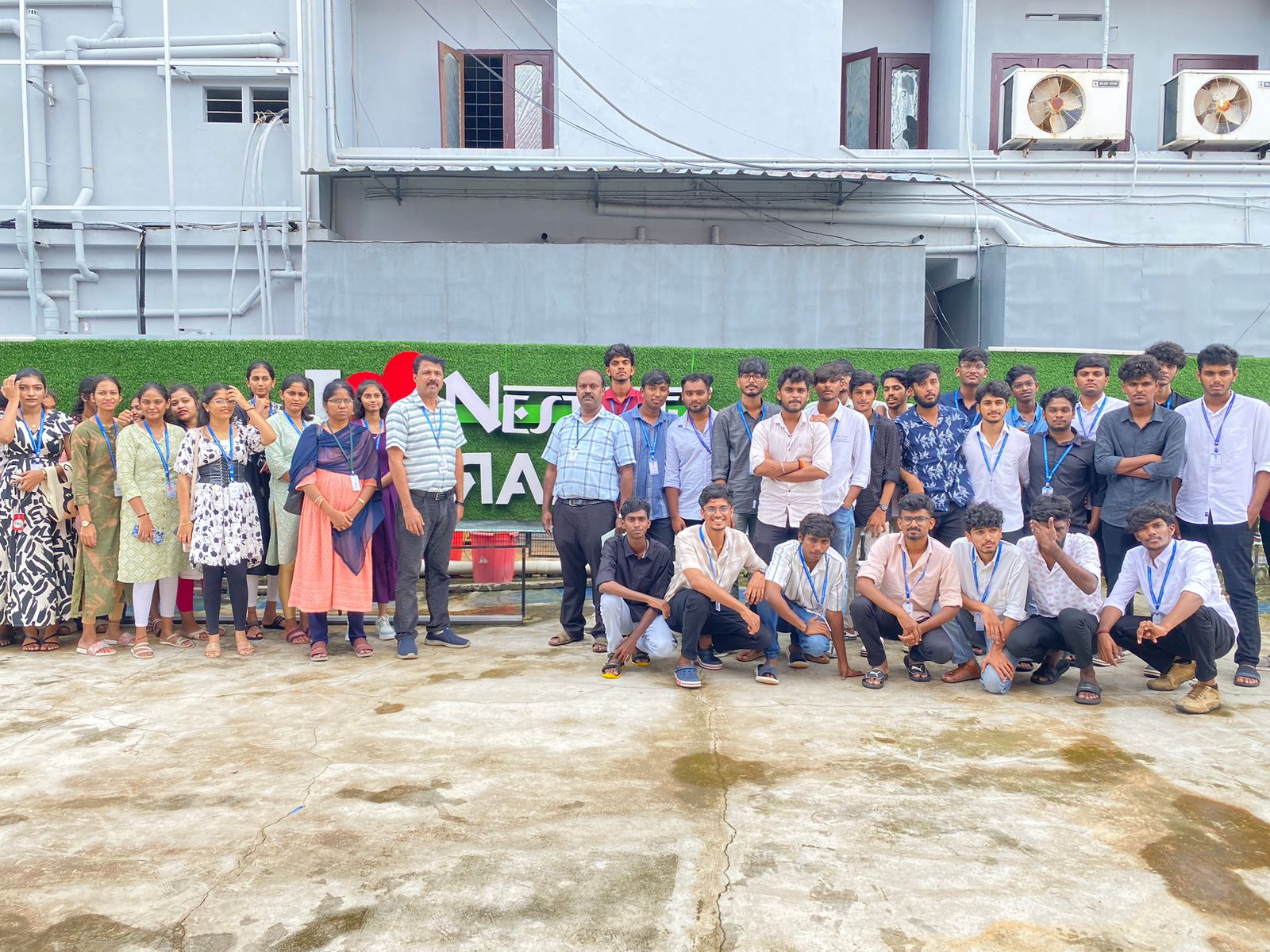
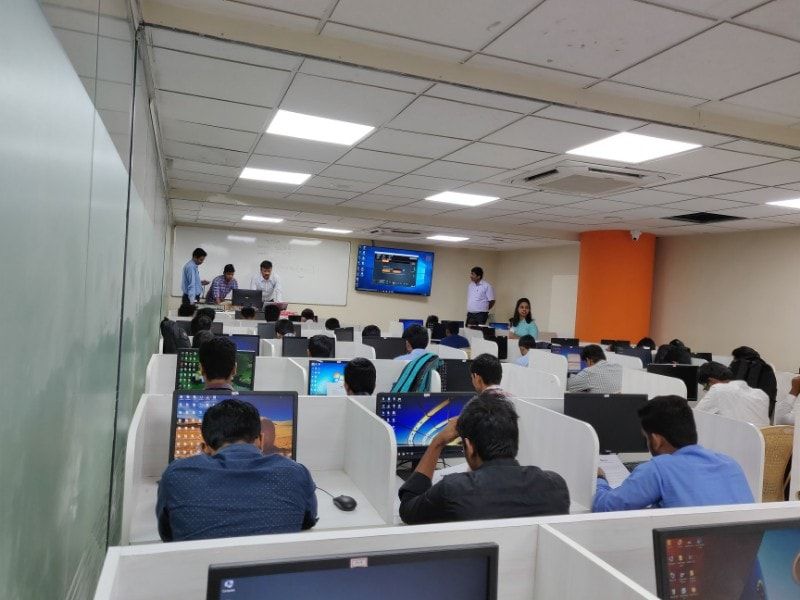
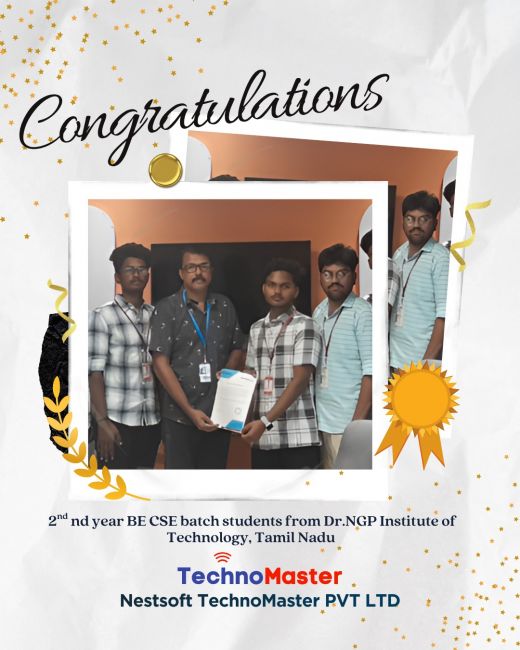
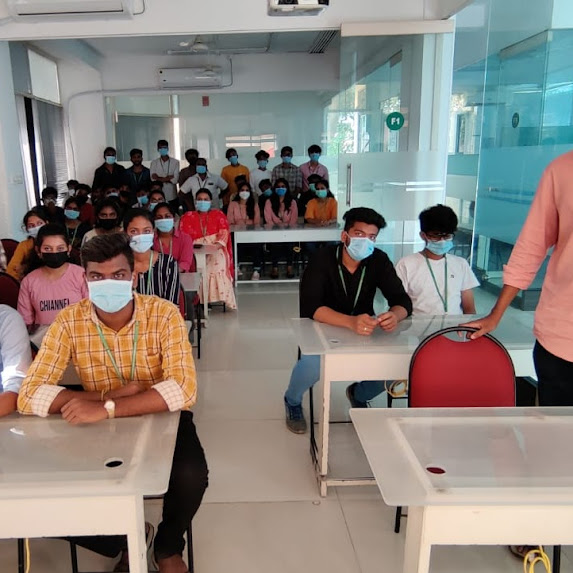
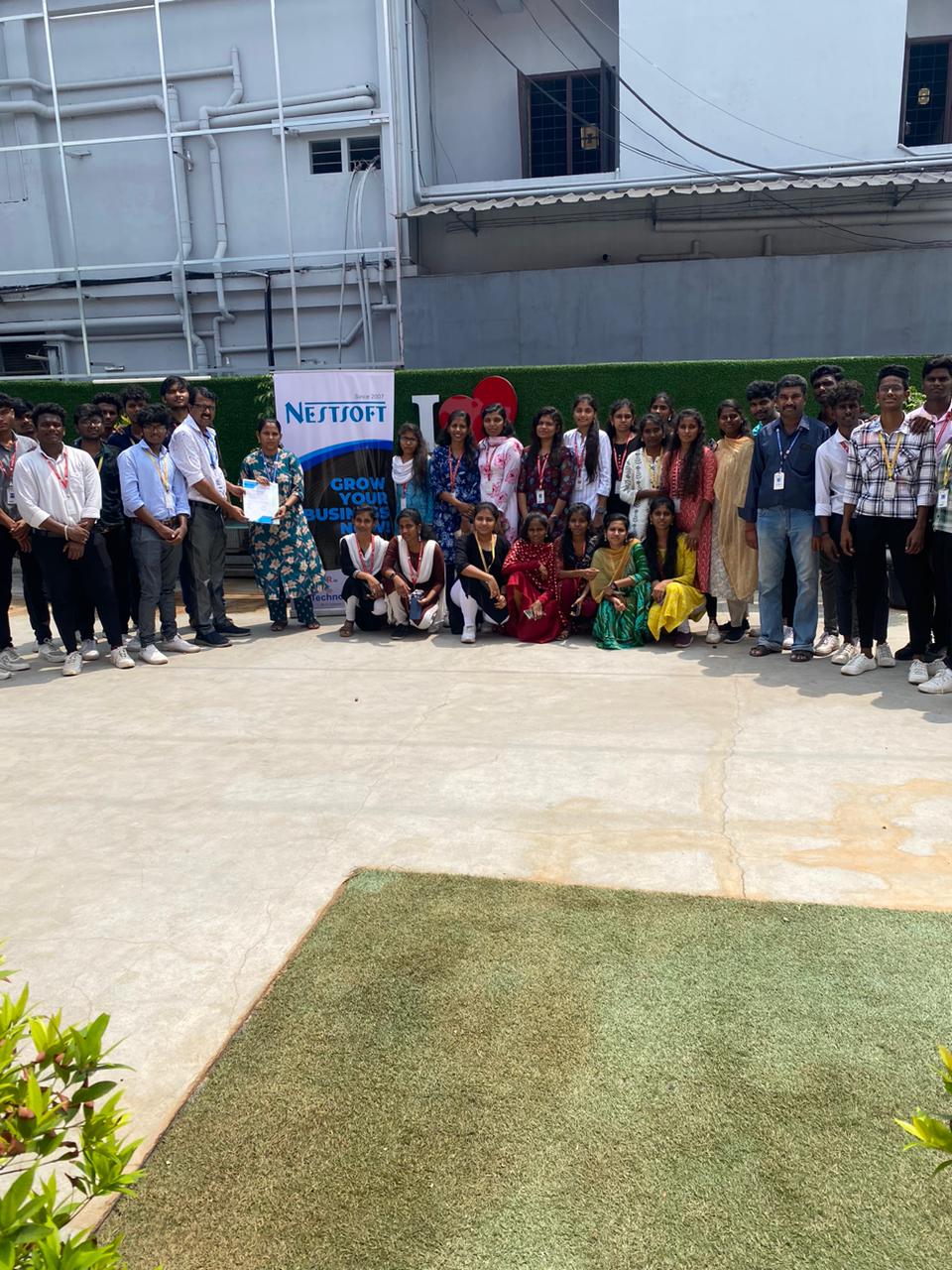
Our Training/Internship Process

Adobe Dreamweaver - Syllabus, Fees & Duration
Module 1: Introducing Dreamweaver
- Understanding the course
- Reviewing the course objectives and prerequisites
- Reviewing the course format
- Outlining the course content
- Understanding static page architecture
Module 2: Getting Started
- Introducing Dreamweaver
- Learning the interface
- Defining a local site
- Creating a website
Module 3: Adding Content to a Site
- Adding content
- Controlling document structure
- Making lists
- Adding horizontal rules
- Adding special characters
Module 4: Formatting with CSS
- Formatting text
- Introducing CSS
- Creating styles
- Exporting CSS rule definitions
- Creating class styles
- Attaching external style sheets
- Creating advanced styles
- Creating a new external style sheet
- Displaying styles
- Understanding cascading order and inheritance of styles
- Creating internal styles with the Property inspector
Module 5: Working with Graphics
- Using graphics on web pages
- Placing graphics on the page
- Modifying image properties
- Editing images
- Doing roundtrip editing with Fireworks
- Customizing the Insert bar
- Adding Flash content
- Adding Flash Video
Module 6: Navigating Your Site
- Understanding site navigation
- Linking to files in your site
- Linking to sites
- Linking to named anchors
- Adding e-mail links
- Linking from images
- Creating a jump menu
Module 7: Designing Page Layouts with CSS
- Understanding page layout
- Using layers for layout
- Adding CSS to layers
- Using absolute and relative positioning
- Designing with DIV's
- Designing navigation links with CSS
- Importing tabular data
- Using table layout view
Module 8: Using Libraries and Templates
- Using site library items
- Creating site templates
- Defining editable regions
- Using templates
- Applying a template to an existing page
- Modifying templates
Module 9: Creating Forms
- Understanding forms
- Processing a form
- Setting focus in a form
- Validating a form
Module 10: Testing, Maintenance, and Uploading
- Testing your site
- Maintaining your files and folders
- Connecting to a remote site
- Synchronizing files
This syllabus is not final and can be customized as per needs/updates
- Since 2001, Making IT Experts by Experts
- Duration: 15 Hours (Vary as per your skill)
- Course Fees
- Individual Live Classes (1:1)
- Batch Classes @ Low Fees
- Training on Your Time, Any Where
- Access to Recorded Videos
- Practical Internship on Projects
- 100% Placement Support by our jobsHybrid.com
- Training/Internship Certificate
Course Highlights


 The course materials are designed as self-study courses, however, if you have got any issues you will email our support service. This software includes templates for websites to assist within the design method. The dashboard provides a one-pane read of multiple files and pages, whereas the split-view makes for easy refinement of code - making the work of designing and building a website much more economical. Dreamweaver could be a web authoring tool that allows web developers to code whereas viewing the positioning as they work, instead of spending hours writing HTML tags to code a complex table, the developer will build the table, resize it, and consider it specifically because it will appear on a web page. The coding is checked whenever you're incorporating one as there may be a typo error. As you type a hypertext mark-up language tag it'll list all the accessible tags allowing you to key among the primary letter of a tag then select the specified tag from the list. the corporate conjointly offers Adobe Muse, a somewhat restricted program in functions however terribly easy to use. This tool is unbelievably useful because it'll allow us to figure directly on a style terribly like visitors to the future website. Students additionally can receive digital versions of their course books.
.
The course materials are designed as self-study courses, however, if you have got any issues you will email our support service. This software includes templates for websites to assist within the design method. The dashboard provides a one-pane read of multiple files and pages, whereas the split-view makes for easy refinement of code - making the work of designing and building a website much more economical. Dreamweaver could be a web authoring tool that allows web developers to code whereas viewing the positioning as they work, instead of spending hours writing HTML tags to code a complex table, the developer will build the table, resize it, and consider it specifically because it will appear on a web page. The coding is checked whenever you're incorporating one as there may be a typo error. As you type a hypertext mark-up language tag it'll list all the accessible tags allowing you to key among the primary letter of a tag then select the specified tag from the list. the corporate conjointly offers Adobe Muse, a somewhat restricted program in functions however terribly easy to use. This tool is unbelievably useful because it'll allow us to figure directly on a style terribly like visitors to the future website. Students additionally can receive digital versions of their course books.
.