Autodesk Maya Online Live Class by Experts

;

Our Training/Internship Process

Autodesk Maya Online Live Classes in Kollam | Free Demo Training

Autodesk Maya - Syllabus, Fees & Duration

Overview of Maya

  • Understanding the Maya interface
  • Setting up files and Maya projects
  • Configuring viewports
  • Customizing the interface
  • Navigating the Maya workspace
  • Using the hotbox and marking menus
  • Selecting objects
  • Using the Move tool
  • Rotating and scaling objects
  • Working with pivots
  • Understanding the Channel Box
  • The Attribute Editor

Maya Scenes

  • Organizing Maya Scenes
  • Working with the Outliner
  • Dealing with hierarchies
  • Object groups
  • Exploring Hypergraph
  • Hiding and showing objects
  • Working with layers
  • Working with selection masks

Working with Polygons

  • Creating Polygonal Models
  • Differences between NURBS and polys
  • Selecting polygonal components
  • Using Soft Select and reflection
  • Sculpting with the Sculpt tool
  • The Combine and Separate commands
  • Working with subdivision surfaces

Working with Meshes

  • Working with edge loops
  • Using Edge Flow for smooth geometry
  • Reorienting geometry using Spin Edge
  • Drawing detail with the Connect tool
  • Mirroring geometry
  • Modeling with nonlinear deformers
  • Modeling with lattices

NURBS-based Modelling

  • Refining NURBS Models
  • Extracting NURBS curves from surfaces
  • Open/ Close curves and surfaces
  • Creating curves on a surface
  • Projecting curves on surfaces
  • Trimming NURBS surfaces
  • Using fillets to connect surfaces
  • Converting NURBS to polygons

Using Materials

  • Creating Materials
  • Overview of Maya renderers
  • The basics of materials
  • Creating and applying maps
  • Using bitmaps as texture
  • Working with the Hype shade window
  • Using the Ramp material
  • Displacement and bump maps
  • Mental ray materials

Using Textures

  • Applying Textures
  • Texture mapping
  • Projecting textures on surfaces
  • Applying multiple materials
  • UV mapping
  • The UV Texture Editor

Rendering your Scene

  • Render Settings
  • Lights and lighting types
  • Rendering shadows
  • Camera basics
  • Depth of field
  • Motion Blur
  • Reflections and refractions
  • Matching lights and shadows to images
  • Batch rendering

Animating in Maya

  • The animation interface
  • Set Key
  • The Graph Editor
  • The Dope Sheet
  • Animating objects along spline paths
  • Ghosting animation
  • Animation playback using Playblast
  • Creating animation cycles

Download Syllabus - Autodesk Maya
This syllabus is not final and can be customized as per needs/updates
 
10000+
20+
50+
25+

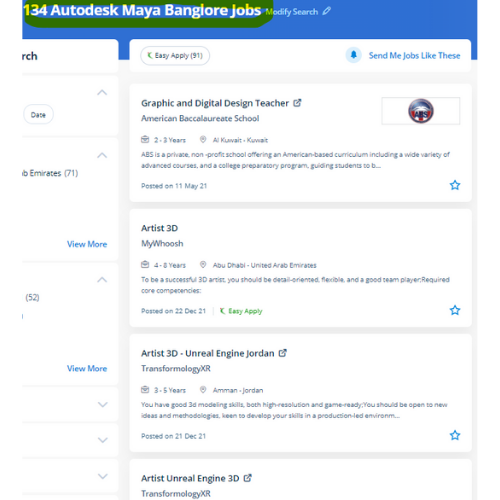
Autodesk Maya Jobs in Kollam

Enjoy the demand

Find jobs related to Autodesk Maya in search engines (Google, Bing, Yahoo) and recruitment websites (monsterindia, placementindia, naukri, jobsNEAR.in, indeed.co.in, shine.com etc.) based in Kollam, chennai and europe countries. You can find many jobs for freshers related to the job positions in Kollam.

  • Graphic Designer
  • Maya Trainer
  • Motion Graphic Designer
  • Generalist 3d
  • Technical Designer
  • Interior Designer
  • Designing Trainer
  • Freelance Graphic Designer
  • 3d designer
  • AutoCAD Draftsman

Autodesk Maya Internship/Course Details

Autodesk Maya internship jobs in Kollam
Autodesk Maya Nestsoft provides an Autodesk Maya Animation online course that will prepare pupils with the fundamentals of 3D growing up with a Maya Animation course software. Our trainers are senior specialists in Maya Animation course styles and animation for numerous years. Students can learn the flexibleness to create a top-quality CG base character which will be used for customizing games, machinima, animations, portfolios, and programming based mostly on computer science graphics courses consistent with industry standards and techniques. Trainees will get to search out excuses for all the ideas from basics to advanced level. they are even culpable for writing the program content which can be a mixture of absolute diligence and their promoting expertise. However, it is a good deal over a modeling code Maya is an ecosystem. Nestsoft provides the most effective Autodesk Maya online training course. It will do plenty of things, however, it’s generally accepted that it's best at animation. Upon victorious completion of this course you will be able to: work in a production environment, perceive the mechanics of Maya, be able to create 3d models using a kind of techniques, work with materials to the texture you models, perceive the way to light a scene, be able to create animations, stage a scene and understand photography and know how to make output to be used in post-production. whether or not you’re wanting to begin a new career within the 3D animation industry, or incorporate 3D animations into your existing work for broadcast or the web.


Meet a Few of our Industry Experts 🚀 Your Pathway to IT Career

KATHI

Mobile: +91 91884 77559
Location: Online (Kollam, Kerala)
Qualification: Degree (B.com)

Experience: I am fresher Skills is good communication and convincing skills I will done coaching for web development   more..

Maninder

Mobile: +91 98474 90866
Location: Online (Kollam, Kerala)
Qualification: PG Diploma

Experience: Dear HR Hiring Manager I am a Logistics Supply Chain Manager with distinguished record of accomplishment in diverse and complex  more..

Remya

Mobile: +91 98474 90866
Location: Online (Kollam, Kerala)
Qualification: btech cse

Experience: html css php dreamweaver web designing web developer  more..

shubham

Mobile: +91 94975 90866
Location: Online (Kollam, Kerala)
Qualification: Bcs

Experience: Html css js wordpress MySQL mongodb  more..

Vipin

Mobile: +91 94975 90866
Location: Online (Kollam, Kerala)
Qualification: Graduate

Experience: Experienced IT professional with a background in hardware networking and technical support Transitioned into the DevOps field in 2022 currently  more..

Seema

Mobile: +91 91884 77559
Location: Online (Kollam, Kerala)
Qualification: BE

Experience: Google analytics Google search console wordpress elementor on-page SEO offpage SEO social media marketing photoshop canva  more..

Kaushal

Mobile: +91 89210 61945
Location: Online (Kollam, Kerala)
Qualification: B.E CSE

Experience: iOS Developer with experience of 3 months I have not yet built any major project on iOS but I do  more..

Madesh

Mobile: +91 8301010866
Location: Online (Kollam, Kerala)
Qualification: B.E-CSE

Experience: Manual testing API testing C C# Java Selenium Automation testing Temenos T24 Application HTML CSS  more..

Lakshmana

Mobile: +91 9895490866
Location: Online (Kollam, Kerala)
Qualification: BE CSE

Experience: Subject: Application for Content Writer Position at Jar Company Dear Hiring Manager I am writing to express my strong interest  more..

Sneha

Mobile: +91 8301010866
Location: Online (Kollam, Kerala)
Qualification: B.Tech IT

Experience: Html CSS Bootstrap SCSS Basic javascript - 1 year experience Basic - react  more..

Achinth

Mobile: +91 98474 90866
Location: Online (Kollam, Kerala)
Qualification: bcom finance

Experience: seo on page & off page optimization google adwords google search console social media marketing youtube ads facebook ads instagram  more..

SANTANU

Mobile: +91 98474 90866
Location: Online (Kollam, Kerala)
Qualification: M.Sc on Physics

Experience: Skills - python C++ matlab Experience - 3 years   more..

Aparna

Mobile: +91 91884 77559
Location: Online (Kollam, Kerala)
Qualification: Btech CSE

Experience: Skilled with core java automation testing with selenium java objective c  more..

Talari

Mobile: +91 89210 61945
Location: Online (Kollam, Kerala)
Qualification: B Tech

Experience: Hello Sir Madam First of all thank you for giving this opportunity to introduce myself My name is Sudharani I'm  more..

GOVIND

Mobile: +91 94975 90866
Location: Online (Kollam, Kerala)
Qualification: M.Tech

Experience: I’m interested in the role you posted: Web developer Based on my experience as Leetcode(Solved 730+ problems) || GFG(Solved 340+  more..

Anupama

Mobile: +91 9895490866
Location: Online (Kollam, Kerala)
Qualification: MCA

Experience: Skills C++ C SQL Python(Django) Java R html css php Git Familiar with windows Ubuntu Familiar with IDES Visual Studio  more..

Ranu

Mobile: +91 9895490866
Location: Online (Kollam, Kerala)
Qualification: Electrical engineering

Experience: I recently completed my pg diploma in secure software development from cdac Hyderabad I have knowledge or c programming basic  more..

Rajvi

Mobile: +91 94975 90866
Location: Online (Kollam, Kerala)
Qualification: Bachelor of Computer Applications

Experience: I am writing to express my interest in the iOS developer position at netsoft as advertised indeed With 2 5  more..

Success Stories

The enviable salary packages and track record of our previous students are the proof of our excellence. Please go through our students' reviews about our training methods and faculty and compare it to the recorded video classes that most of the other institutes offer. See for yourself how TechnoMaster is truly unique.

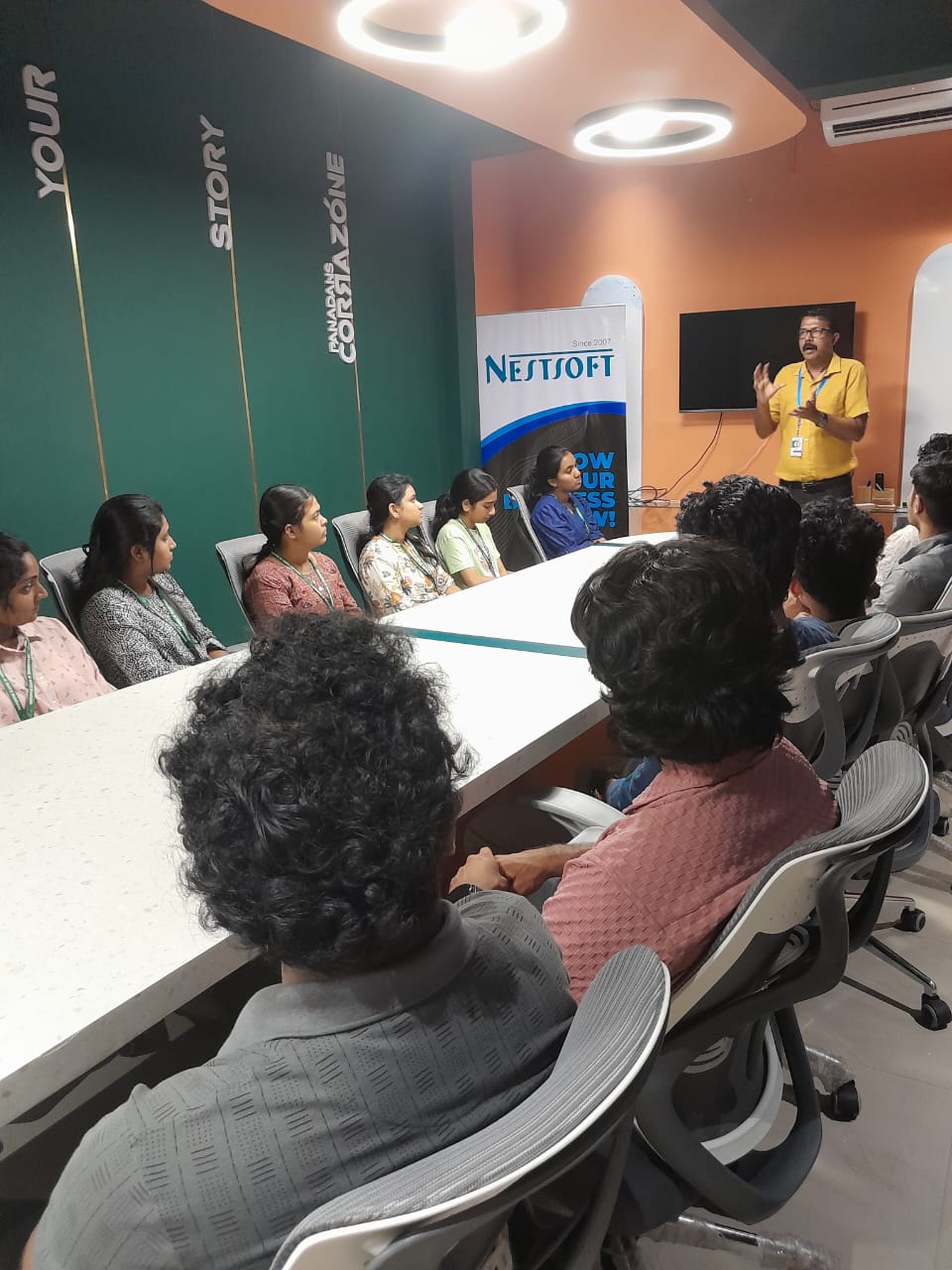
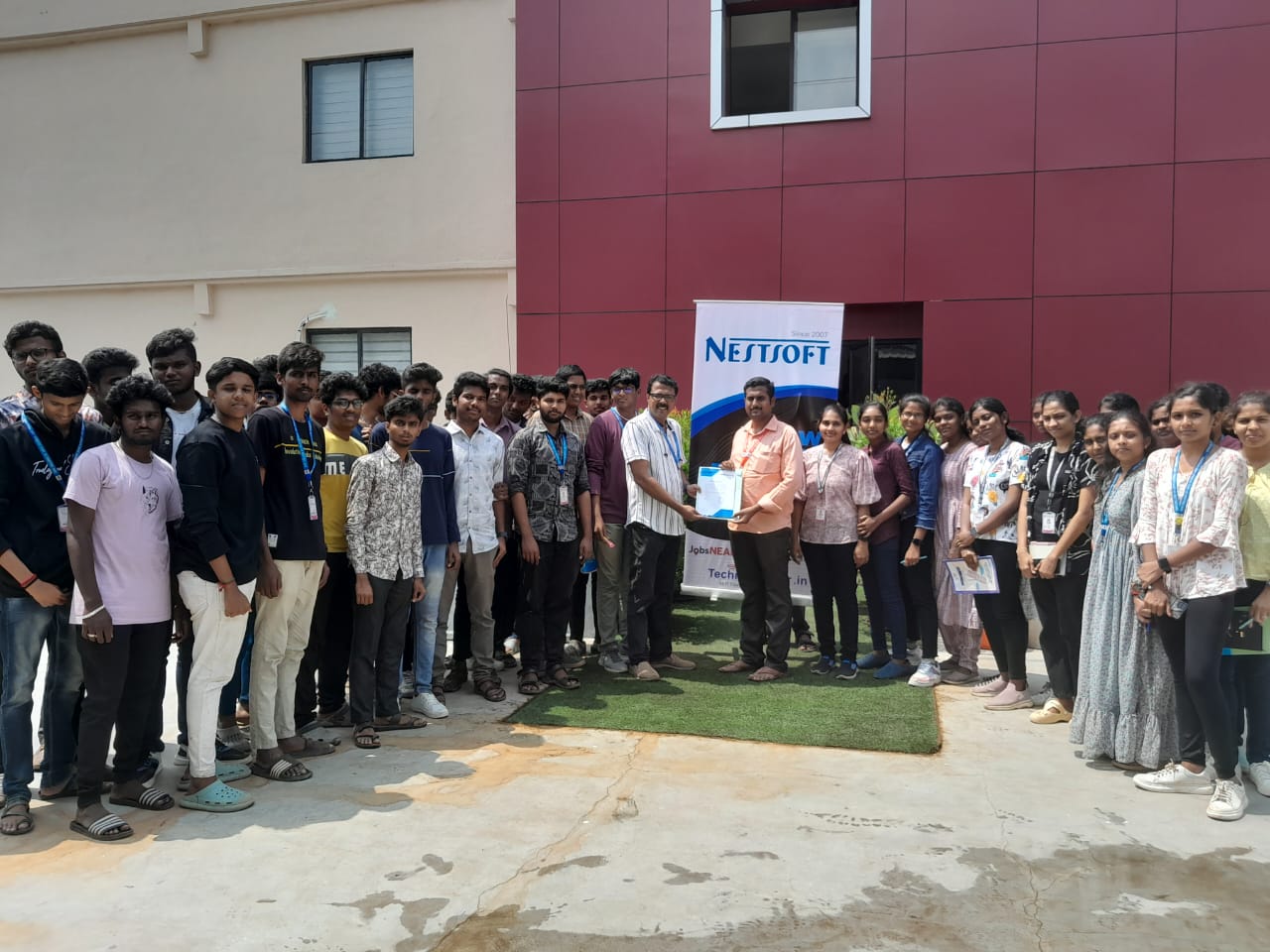
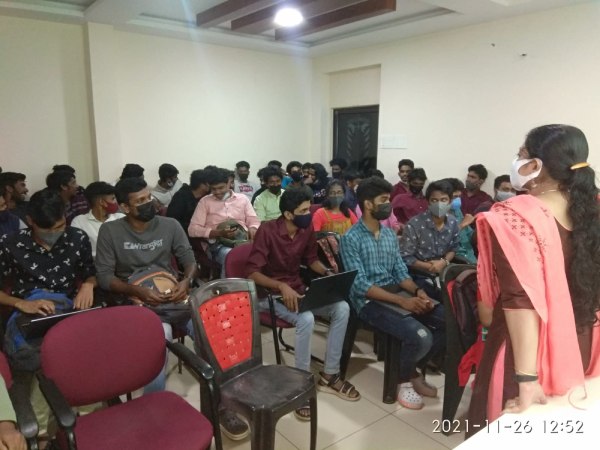
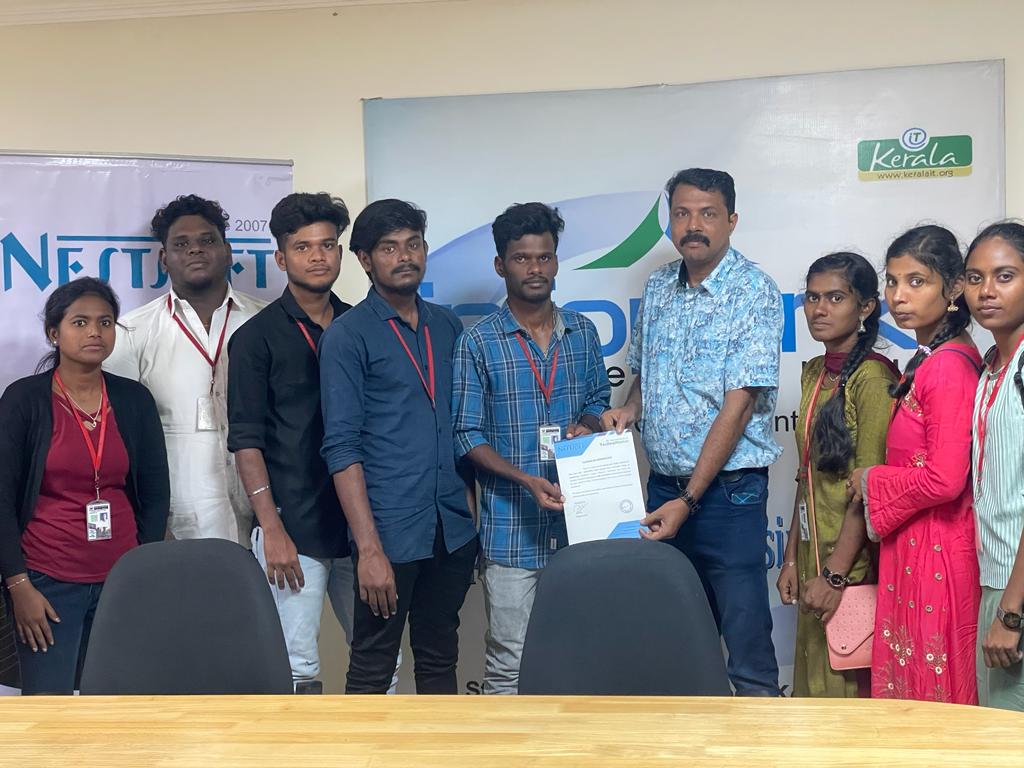
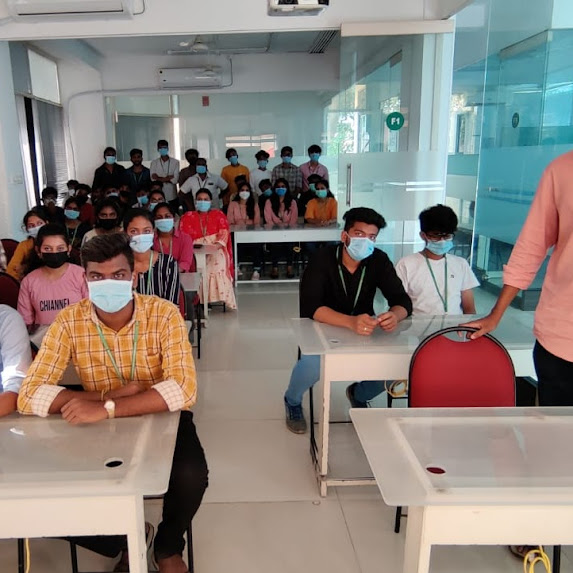
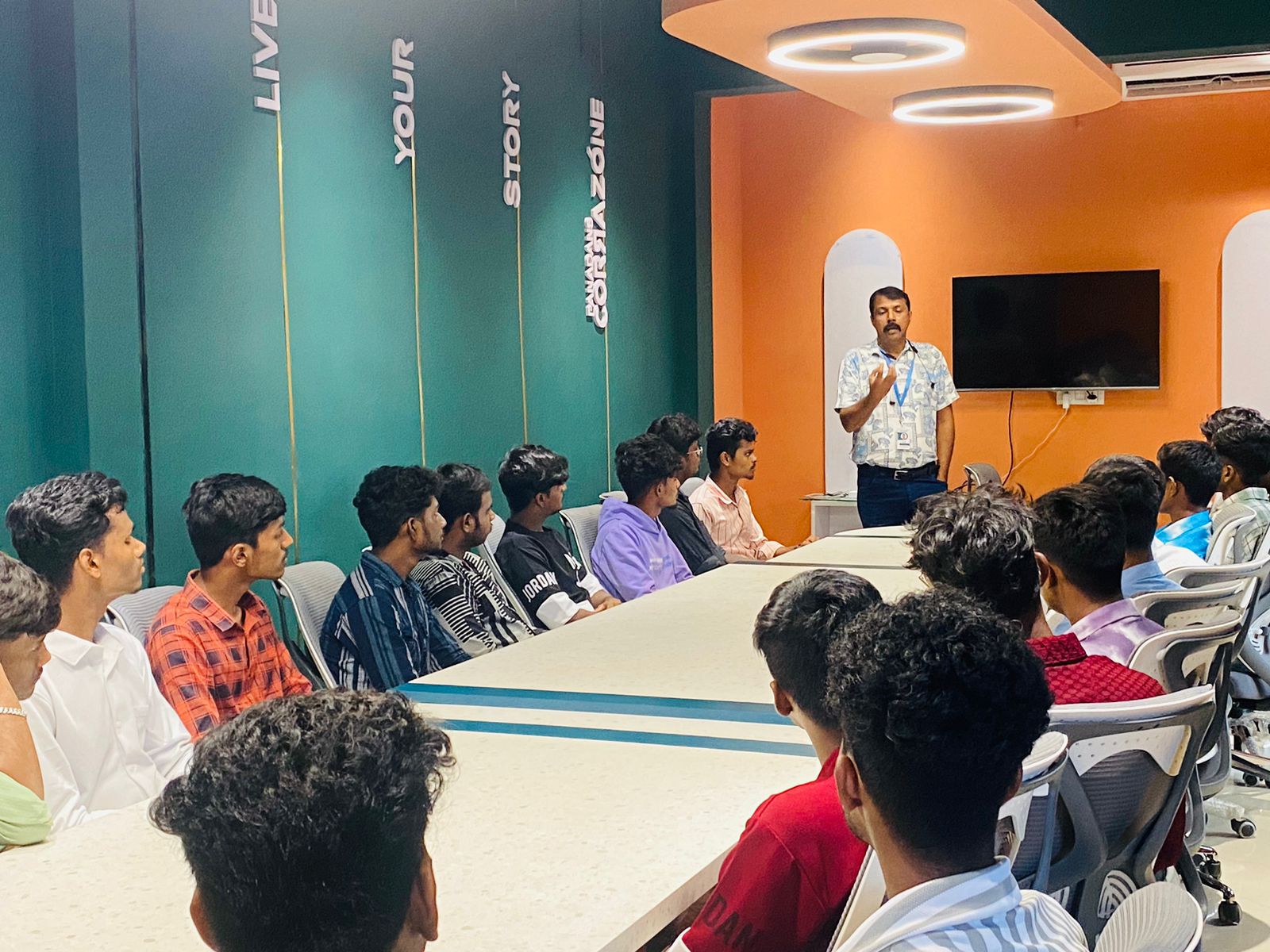
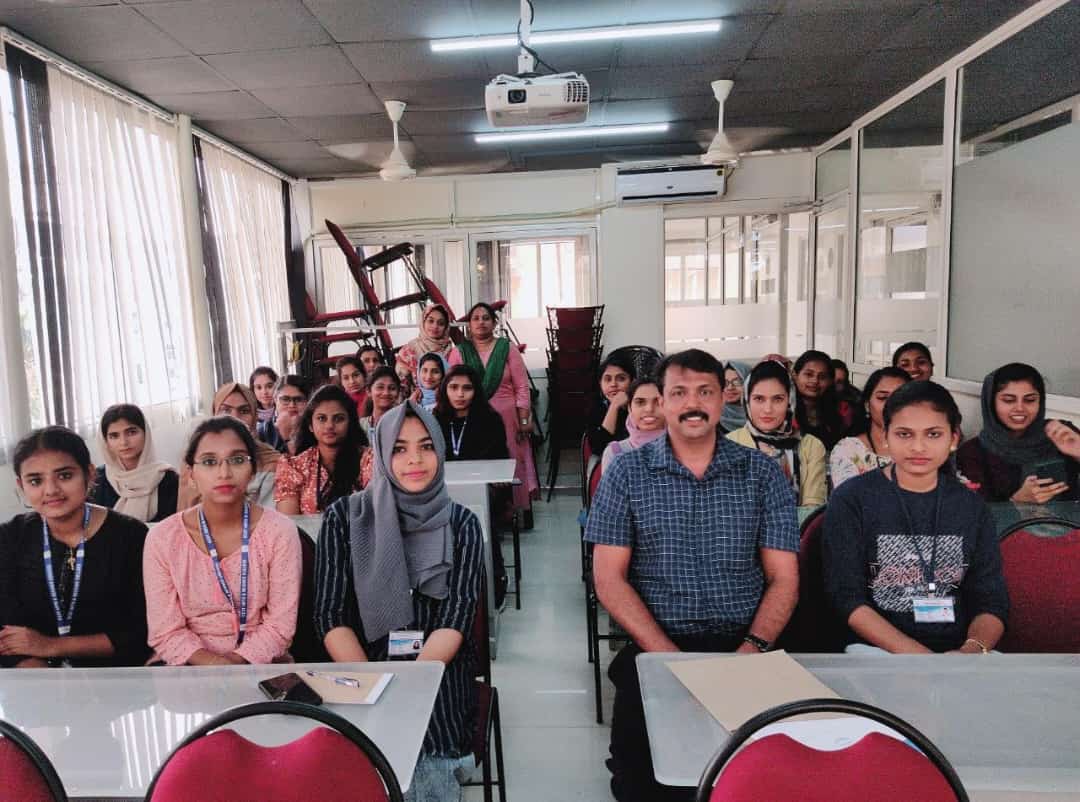
Photos of Training / Internships

Internship/projects in kollam

Trained more than 10000+ students who trust Nestsoft TechnoMaster

Get Your Personal Trainer