Send enquiry ⏎

MongoDB Online Live Class by Experts

Our Training/Internship Process

MongoDB Online Live Classes in Kottayam | Free Demo Training

MongoDB - Syllabus, Fees & Duration

Module 1: Introduction to NoSQL

  • What Is NoSQL?
  • Why NoSQL databases are required
  • Types of NoSQL Database
  • NoSQL vs SQL Comparison
  • ACID & BASE Property
  • CAP Theorem
  • Benefits of NoSQL databases
  • Installation
  • Start and Stop the MongoDB process

Module 2: MongoDB Architecture

  • Document, Collection, Databases
  • JSON and BSON
  • Storage Engines
  • Read Path
  • Journaling
  • Write Path
  • Working Set
  • Capped Collection
  • Oplog collection
  • TTL Index
  • GridFS

Module 3: CRUD Operations

  • MongoDB Data Types
  • Inserting, Update, Deleting the documents
  • Querying the documents
  • Bulk insert operation
  • Updating multiple document
  • Limiting documents
  • Filtering documents

Module 4: Schema Design and Data modeling

  • Dynamic Schema
  • What is Data modeling?
  • RDBMS and MongoDB Data modeling difference
  • Embedding Document
  • Reference Document

Module 5: Indexes

  • Index concepts in MongoDB
  • Types of indexes
  • Indexes and its use cases
  • Creating Indexes
  • Managing Indexes
  • Index strategies

Module 6: Database Administration in MongoDB

  • Database status
  • Troubleshooting issues
  • Current Operations
  • Rotating log files
  • Users and Roles
  • Copy and Clone database
  • DB and Collection Stats
  • Explain plan
  • Profiling
  • Changing configuration files
  • Upgrading the database

Module 7: MongoDB: Backup and Security

  • Concept of backups
  • mongoexport/mongoimport
  • mongodump/mongorestore
  • Oplog backups
  • LVM Backups
  • Backups using MMS/Ops Manager
  • Purpose of security
  • Authentication and authorization
  • Role based access control

Module 8: Replication in MongoDB

  • Concept of replication
  • ReplicaSet member roles
  • Voting and Electing primary
  • Role of Oplog in replication
  • Read and Write Concern
  • Arbiter,Hidden and Delayed replica node
  • Priority settings
  • Replicaset nodes health check
  • Concept of resyncing the nodes
  • Rollbacks during failover
  • Keyfile authentication

Module 9: MongoDB Scalability

  • Concept of Scalability
  • Sharding concept
  • Shardkey and Chunks
  • Choosing shardkey
  • Sharding components
  • Types of Sharding
  • Balanced data distribution
  • Sharded and Non-sharded collection
  • Sharded Replicaset
  • Tag aware sharding

Module 10: MongoDB Monitoring and Other Tools

  • MMS Manager
  • Ops Manager
  • Mongo utility commands
  • Mongo developer tools
  • MongoDB Atlas
  • MongoDB client drivers

Download Syllabus - MongoDB
This syllabus is not final and can be customized as per needs/updates
   
10000+
20+
50+
25+

MongoDB Jobs in Kottayam

Enjoy the demand

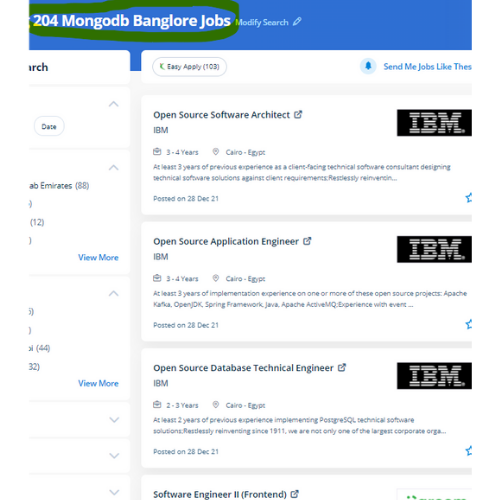
Find jobs related to MongoDB in search engines (Google, Bing, Yahoo) and recruitment websites (monsterindia, placementindia, naukri, jobsNEAR.in, indeed.co.in, shine.com etc.) based in Kottayam, chennai and europe countries. You can find many jobs for freshers related to the job positions in Kottayam.

  • Full Stack Developer
  • Databases Specialist
  • Database Admin
  • Consulting Engineer
  • Database Engineer
  • MongoDB Engineer
  • Database Administrator
  • Technology Engineer
  • Consulting Engineer
  • MongoDB Trainer

MongoDB Internship/Course Details

MongoDB internship jobs in Kottayam
MongoDB working with MongoDB NoSQL information is much easier than in operation with any relational database. the two situations that it addresses specifically are indexes that don’t work into memory and write-heavy data. There aren't any tables in MongoDB. MongoDB, also called the NoSQL database program could be a free and open-source database program that uses JSON-like documents with schemas. Any organization has this database to store dynamic data in the cloud and on-premises environments. as a result MongoDB doesn’t have a strictly defined, consistent schema it's a document store database. It provides high performance, high accessibility, and automatic scaling to provide effective assortment Operations. All the information is kept in JSON format, i. key-value pairs. It stores knowledge in document format to alter any range of records, add or delete existing fields within the table.

Meet a Few of our Industry Experts 🚀 Your Pathway to IT Career

Linkan

Mobile: +91 98474 90866
Location: Online (Kottayam, Kerala)
Qualification: M.E

Experience: Manual testing Automation Testing API Testing SQL  more..

Rajendra

Mobile: +91 98474 90866
Location: Online (Kottayam, Kerala)
Qualification: Bachelor of Technology CSE-Data Science

Experience: Rajendra Dayma is a Computer Science & Engineering Data Science student at the Oriental Institute of Science and Technology Bhopal  more..

Chaitanya

Mobile: +91 98474 90866
Location: Online (Kottayam, Kerala)
Qualification: B.Des Product Design

Experience: I’m your go-to remote UI UX Designer bringing a rich blend of product design experience from 3D modeling and prototyping  more..

Jitendra

Mobile: +91 91884 77559
Location: Online (Kottayam, Kerala)
Qualification: MCA

Experience: HTML CSS JavaScript Tailwind CSS Java MySQL Fresher Looking for Job Passionate about Web development  more..

Bhavana

Mobile: +91 8301010866
Location: Online (Kottayam, Kerala)
Qualification: Mca

Experience: Html5 Css3 Sass wordpress  more..

Ashian

Mobile: +91 8301010866
Location: Online (Kottayam, Kerala)
Qualification: PG

Experience: Knowledge in java Familiar with android studios C C++ Python  more..

Nayana

Mobile: +91 9895490866
Location: Online (Kottayam, Kerala)
Qualification: BTech

Experience: 1 year experience as a software testing Trainee Manual Testing  more..

Anant

Mobile: +91 89210 61945
Location: Online (Kottayam, Kerala)
Qualification: B.TECH

Experience: I have 1 4 years of experience in Android development I have key knowledge of Java Kotlin and Android Development  more..

Ann

Mobile: +91 91884 77559
Location: Online (Kottayam, Kerala)
Qualification: Btech

Experience: 5 5 years of experience in seo content creation and digital marketing   more..

swarada

Mobile: +91 91884 77559
Location: Online (Kottayam, Kerala)
Qualification: Masters

Experience: Skills-Java Selenium Testng API testing Experience-working as quality analyst in Ephanti Ince from Sep-2022 Writing manual test cases executing automation  more..

Namita

Mobile: +91 91884 77559
Location: Online (Kottayam, Kerala)
Qualification: B.A in economics

Experience: Completed a course of Full Stack Web development from ITVEDANT institute Thane I have learned skills like SQL HTML CSS  more..

ANUSREE

Mobile: +91 89210 61945
Location: Online (Kottayam, Kerala)
Qualification: B Tech

Experience: Manual Testing Proficiency Strong in SDLC STLC and Bug Life Cycle Knowledge on Test Plan writing reviewing and executing Test  more..

Kuldeep

Mobile: +91 9895490866
Location: Online (Kottayam, Kerala)
Qualification: Graduation

Experience: My name is Kuldeep Rathore I'm a React JS developer I've 2+ years of development Experience and have a strong  more..

Dheeraj

Mobile: +91 98474 90866
Location: Online (Kottayam, Kerala)
Qualification: Btech

Experience: I have 2 years experience in web developer my skills are html css javascript bootstrap Adobe   more..

Vipin

Mobile: +91 91884 77559
Location: Online (Kottayam, Kerala)
Qualification: Graduate

Experience: Experienced IT professional with a background in hardware networking and technical support Transitioned into the DevOps field in 2022 currently  more..

sneha

Mobile: +91 8301010866
Location: Online (Kottayam, Kerala)
Qualification: Bca

Experience: Can teach code org scratch python basics java html SQL Oracle sql-11g plsql oracle  more..

Muhammed

Mobile: +91 8301010866
Location: Online (Kottayam, Kerala)
Qualification: B tech

Experience: Manuel testing validation testing technical support troubleshooting connectivity testing   more..

Afjitha

Mobile: +91 94975 90866
Location: Online (Kottayam, Kerala)
Qualification: Btech

Experience: 2 5 years of experience in Automation testing using selenium java TestNG framework BDD cucumber selenium TestNG API testing using  more..

nilam

Mobile: +91 8301010866
Location: Online (Kottayam, Kerala)
Qualification: BE(E&TC)

Experience: As a web devloper design a creative website  more..

sangeeth

Mobile: +91 8301010866
Location: Online (Kottayam, Kerala)
Qualification: MCA

Experience: Hello i am aspiring full stack web developer woking on php domain for 2 6 years I have worked on  more..

Susmi

Mobile: +91 9895490866
Location: Online (Kottayam, Kerala)
Qualification: BCA

Experience: php laravel ajax jquery html api  more..

Vinu

Mobile: +91 9895490866
Location: Online (Kottayam, Kerala)
Qualification: B.Tech

Experience: I am having 5 years in android application (java) and support for android projects in kotlin which utilizes sqlite database  more..

Rajeev

Mobile: +91 94975 90866
Location: Online (Kottayam, Kerala)
Qualification: B. Tech

Experience: Manual testing api testing postman automation testing  more..

Priyanka

Mobile: +91 91884 77559
Location: Online (Kottayam, Kerala)
Qualification: B-tech

Experience: Codeigniter developer 10 month experience   more..

Success Stories

The enviable salary packages and track record of our previous students are the proof of our excellence. Please go through our students' reviews about our training methods and faculty and compare it to the recorded video classes that most of the other institutes offer. See for yourself how TechnoMaster is truly unique.


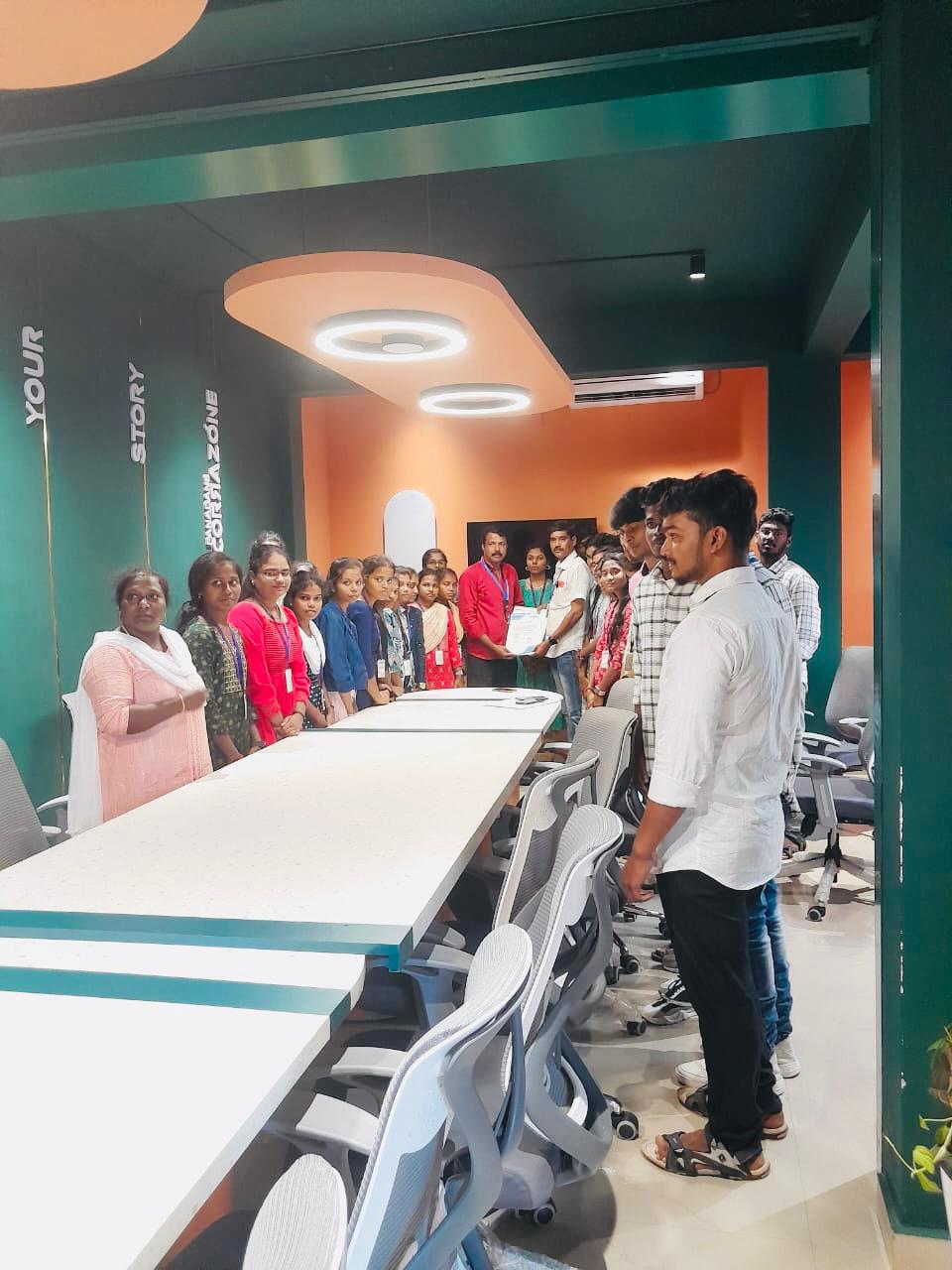
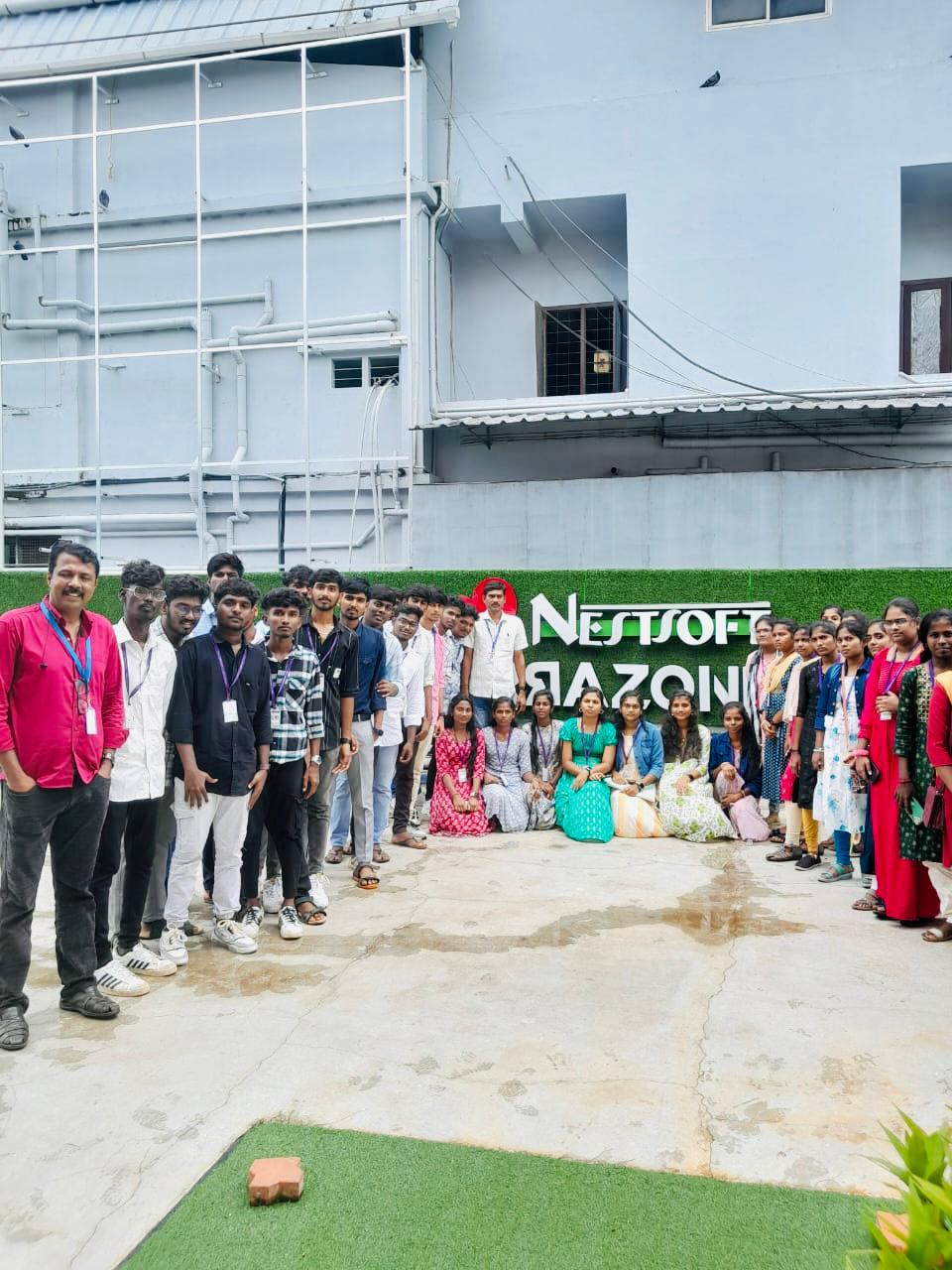
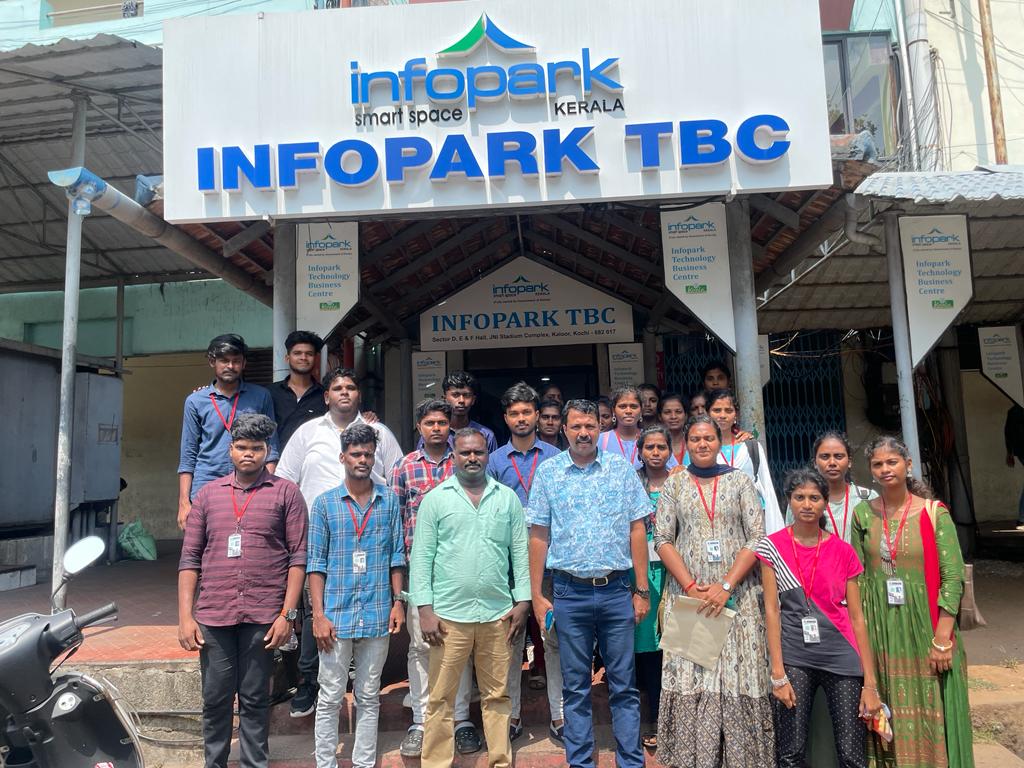
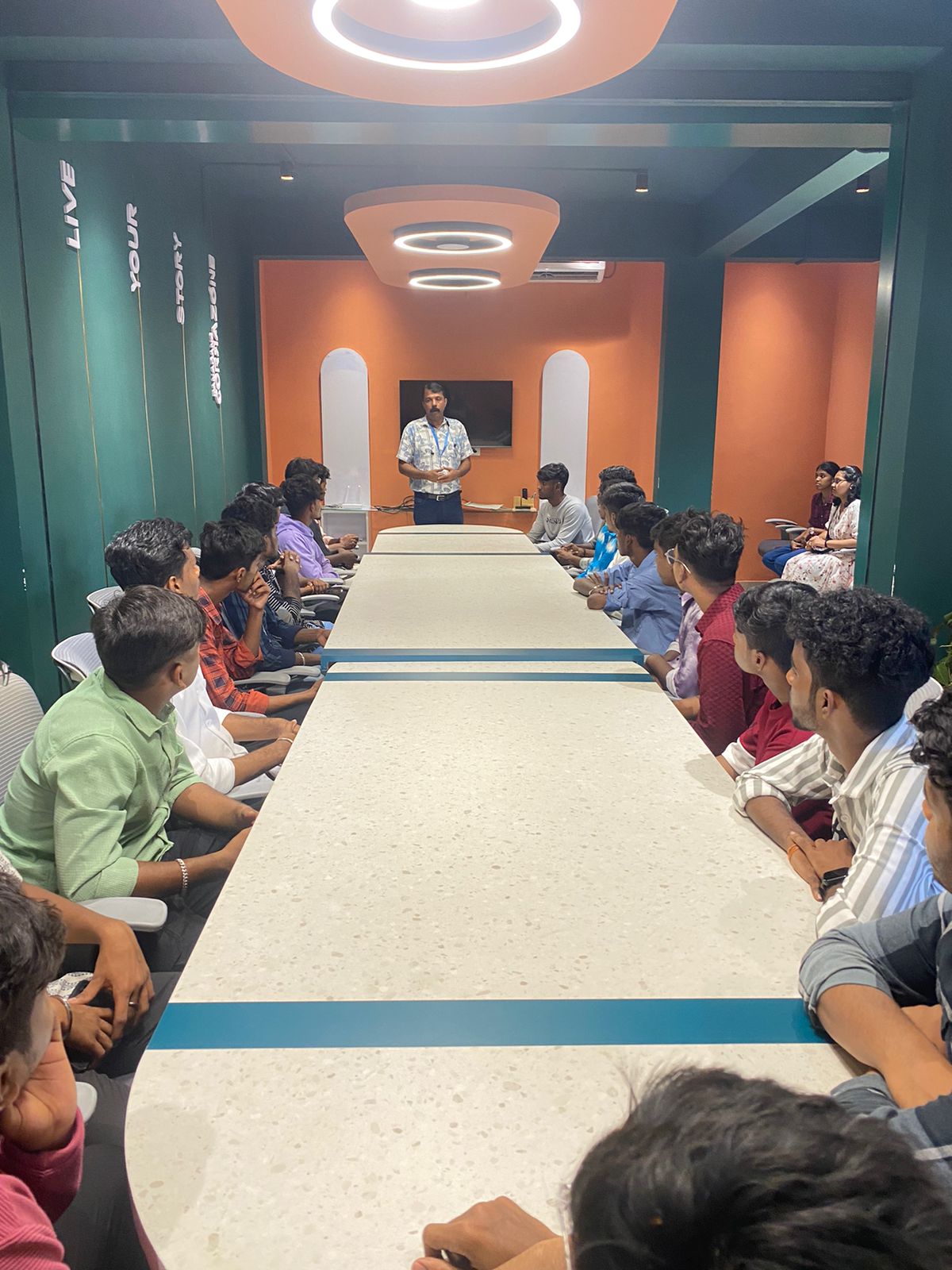
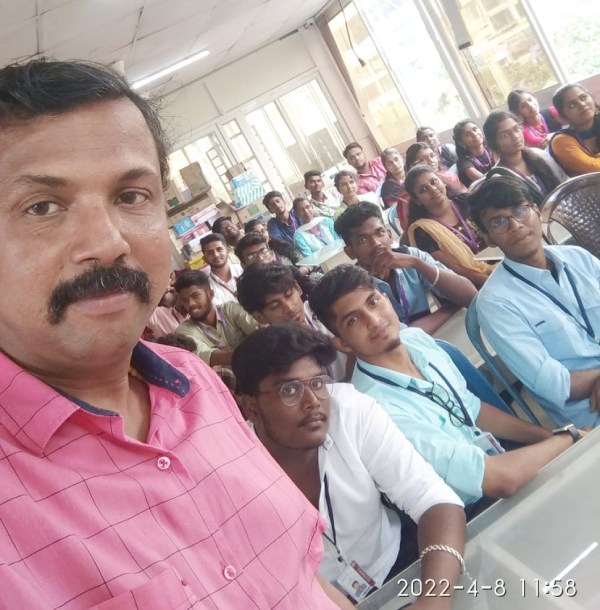
Photos of Training / Internships

Internship/projects in kottayam

Trained more than 10000+ students who trust Nestsoft TechnoMaster

Get Your Personal Trainer