React JS Online Live Class by Experts
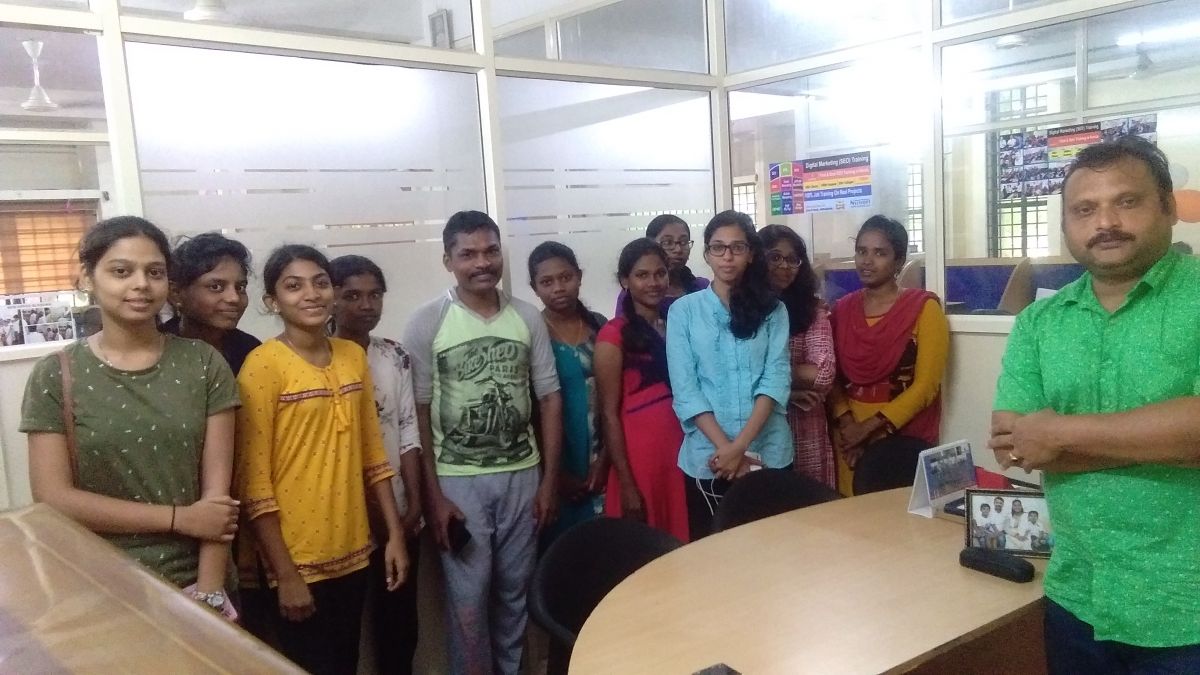
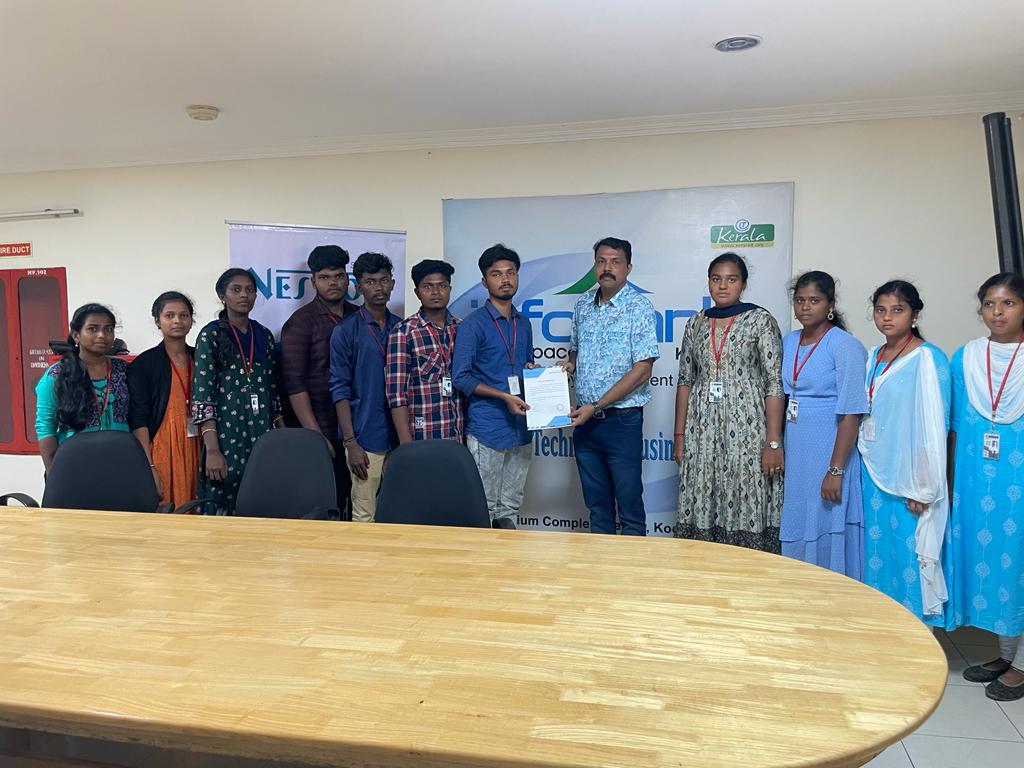
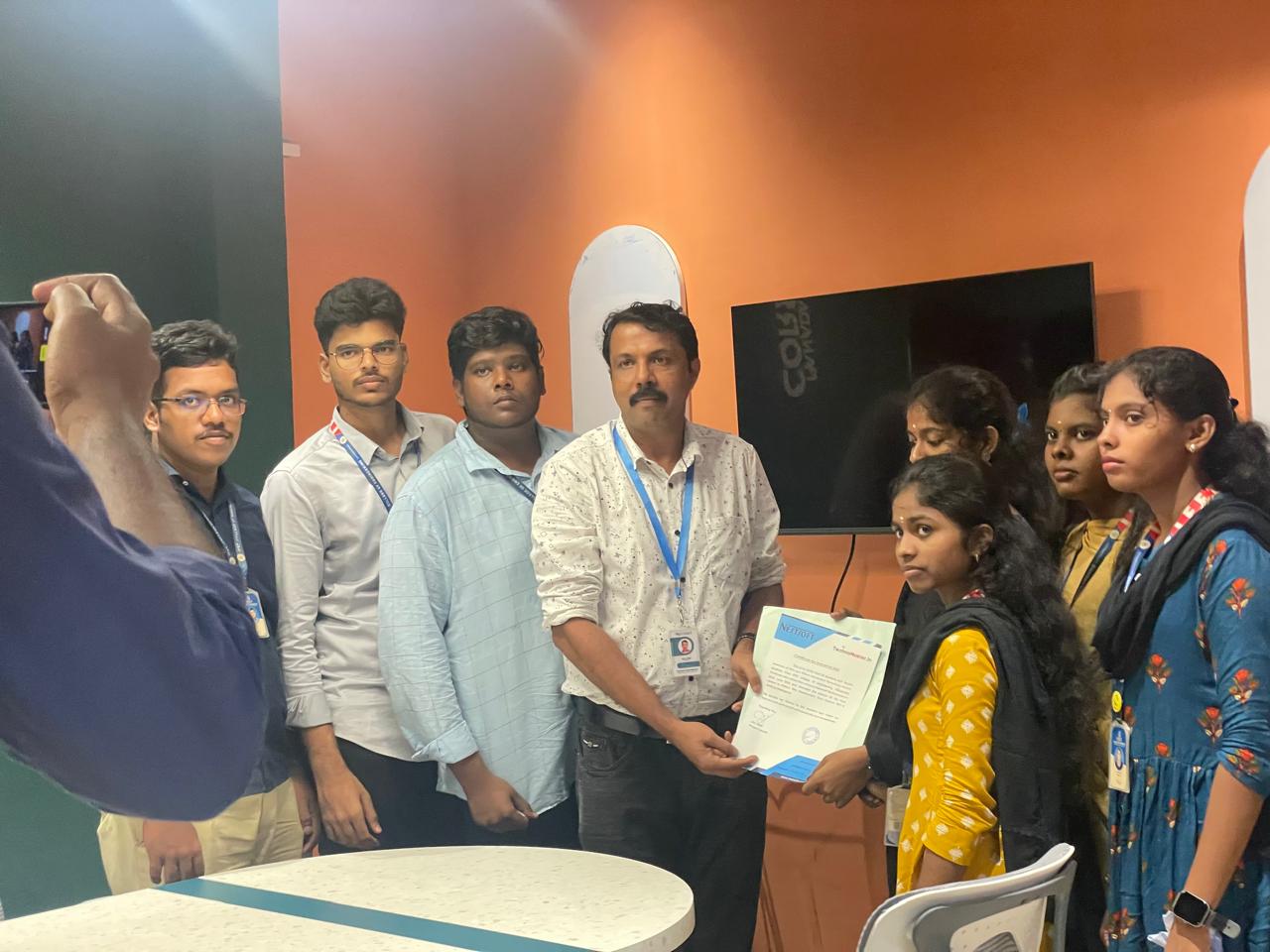
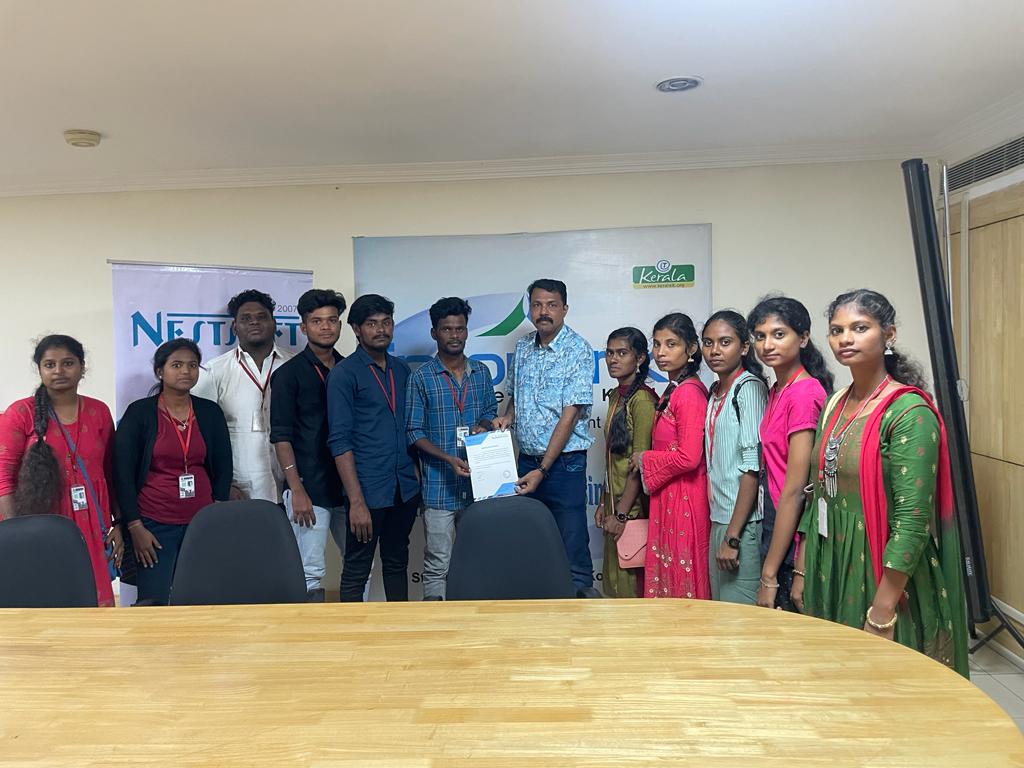
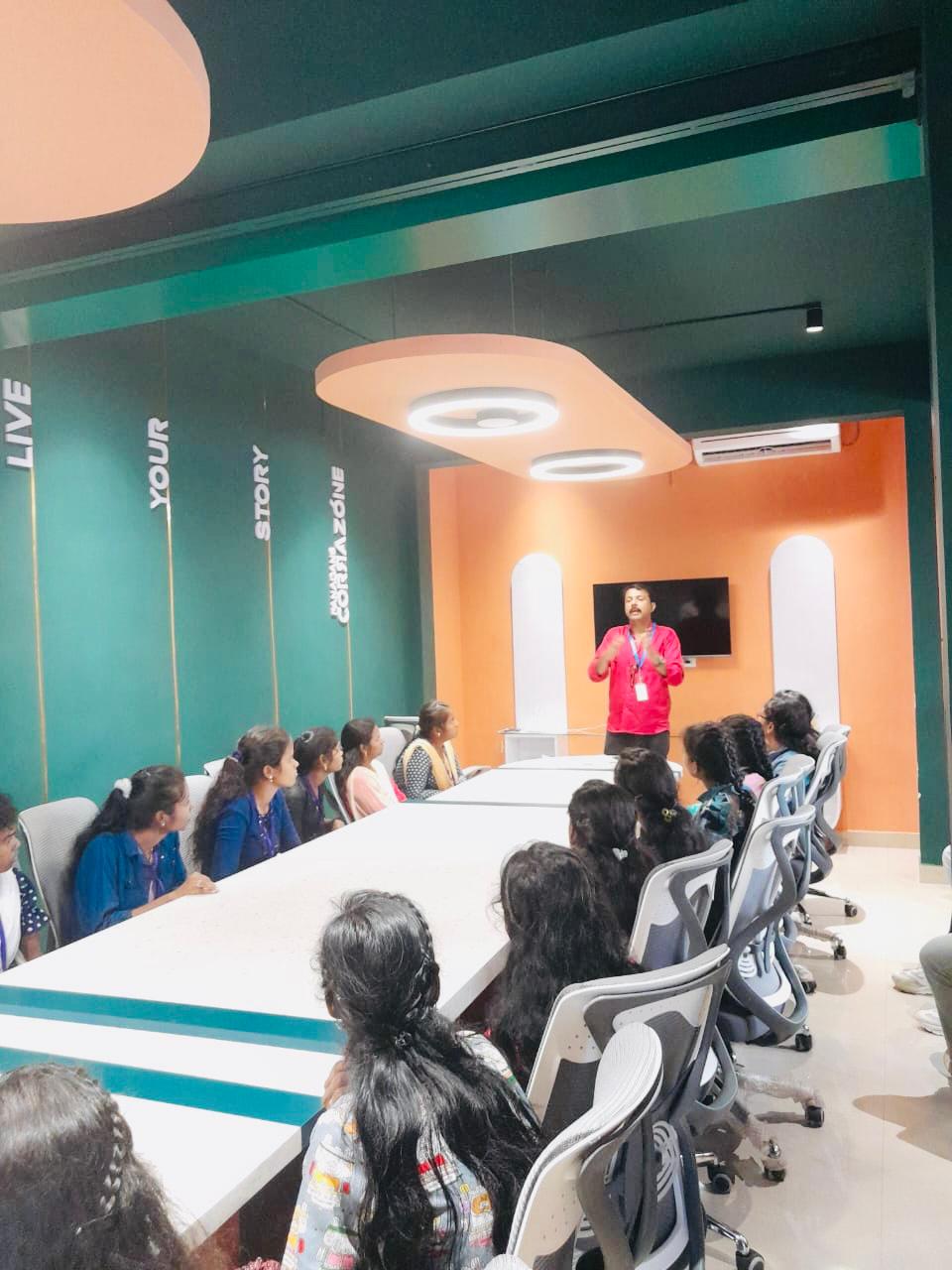
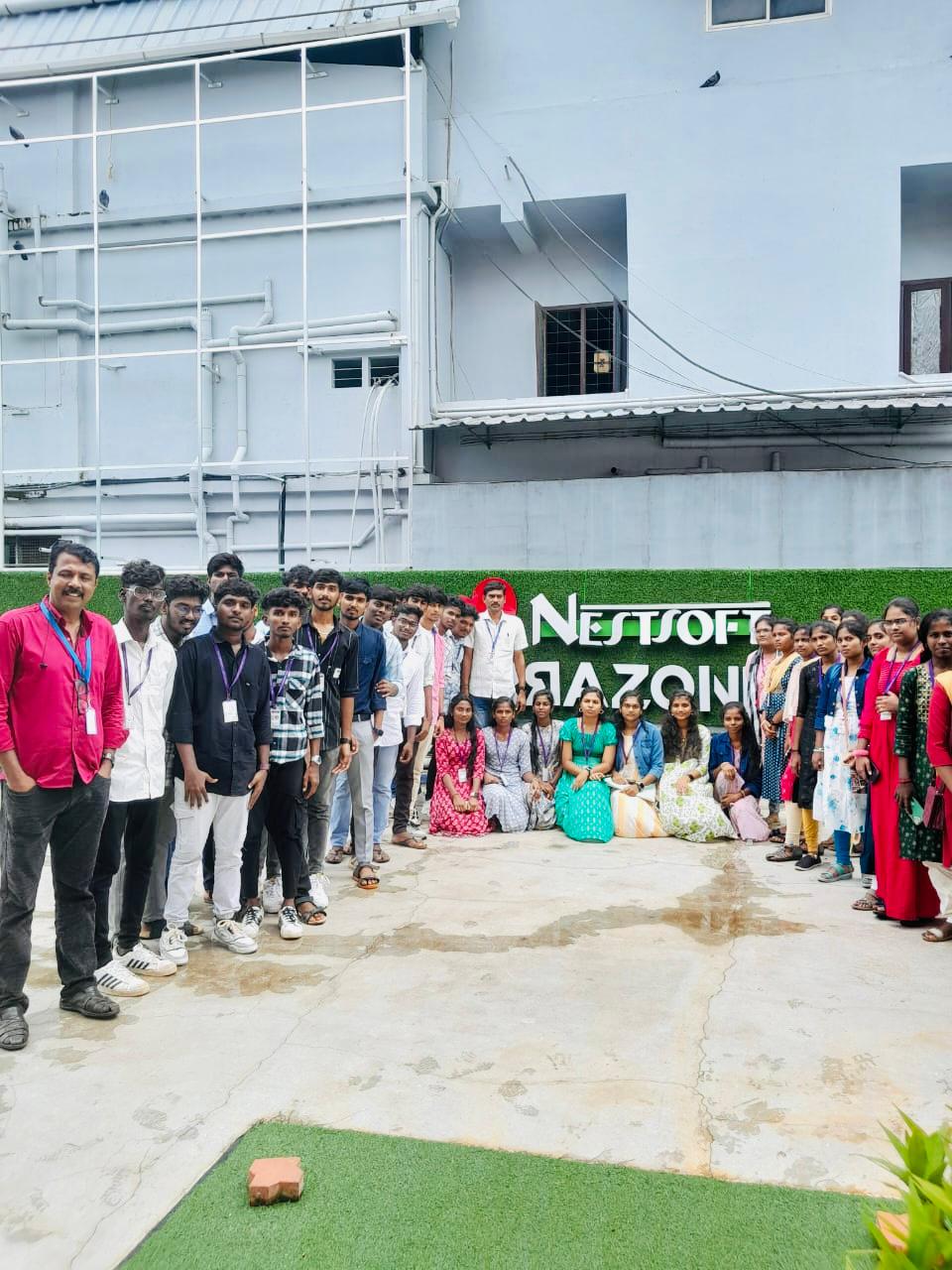
Our Training/Internship Process

React JS - Syllabus, Fees & Duration
Module 1: Introduction to React
- What is React?
- Why React?
- React version history
- React 16 vs React 15
- Just React – Hello World
- Using create-react-app
- Anatomy of react project
- Running the app
- Debugging first react app
Module 2: Templating using JSX
- Working with React. create Element
- Expressions
- Using logical operators
- Specifying attributes
- Specifying children
- Fragments
Module 3: About Components
- Significance of component architecture
- Types of components
- Functional
- Class based
- Pure
- Component Composition
Module 4: Working with state and props
- What is state and it significance
- Read state and set state
- Passing data to component using props
- Validating props using prop Types
- Supplying default values to props using default Props
Module 5: Rendering lists
- Using react key prop
- Using map function to iterate on arrays to generate elements
Module 6: Event handling in React
- Understanding React event system
- Understanding Synthetic event
- Passing arguments to event handlers
Module 7: Understanding component lifecycle and handling errors
- Understand the lifecycle methods
- Handle errors using error boundaries
Module 8: Working with forms
- Controlled components
- Uncontrolled components
- Understand the significance to default Value prop
- Using react ref prop to get access to DOM element
Module 9: Context
- What is context
- When to use context
- Create Context
- Context Provider
- Context Consumer
- Reading context in class
Module 10: Code-Splitting
- What is code splitting
- Why do you need code splitting
- React lazy
- Suspense
- Route-based code splitting
Module 11: hooks
- What are hooks
- Why do you need hooks
- Different types of hooks
- Using state and effect hooks
- Rules of hooks
Module 12: Routing with react router
- Setting up react router
- Understand routing in single page applications
- Working with Browser Router and Hash Router components
- Configuring route with Route component
- Using Switch component to define routing rules
- Making routes dynamic using route params
- Working with nested routes
- Navigating to pages using Link and NavLink component
- Redirect routes using Redirect Component
- Using Prompt component to get consent of user for navigation
- Path less Route to handle failed matches
Module 14: Immutable.js
- What is Immutable.js?
- Immutable collections
- Lists
- Maps
- Sets
Module 17: Unit Testing
- Understand the significance of unit testing
- Understand unit testing jargon and tools
- Unit testing react components with Jest
- Unit testing react components with enzyme
Module 18: Web pack Primer
- What is web pack
- Why web pack
- Install and setup web pack
- Working with web pack configuration file
- Working with loaders
- Working with plugins
- Setting up Hot Module Replacement
Module 19: Isomorphic React
- What is server-side rendering (SSR)?
- Why SSR
- Working with render To String and render To Static Markup methods
This syllabus is not final and can be customized as per needs/updates
- Since 2001, Making IT Experts by Experts
- Duration: 40 Hours (Vary as per your skill)
- Course Fees
- Individual Live Classes (1:1)
- Batch Classes @ Low Fees
- Training on Your Time, Any Where
- Access to Recorded Videos
- Practical Internship on Projects
- 100% Placement Support by our jobsHybrid.com
- Training/Internship Certificate
Course Highlights


 Actually, React has been formed to arrange the development, maintenance, and updating of the UI with the goal of helping the development teams operate on projects of average and intensely tough. Be it net development or mobile application development, developers intimate with JavaScript will effortlessly learn ReactJS. Get to understand the necessities of React JS and learn from the fundamentals from Nestsoft.
. The modular design of ReactJS permits you to provide little fluctuations with ease. Reactjs additionally provides a framework for various alternative platforms also, similar to mobile devices in order that there's no probability for the user to complain regarding something. Nestsoft coaching sessions are taken in pleasant surroundings and thus members will perceive the ideas simply. It presents to the developers an incredible mechanism for debugging the user interface errors alongside the information relating to the bugs that are causing the errors. The course of study is intended by industry experts in such a way that it's job-oriented . Begin your journey towards turning into a React skilled by enrolling during this course, which is based on Version 16.
Actually, React has been formed to arrange the development, maintenance, and updating of the UI with the goal of helping the development teams operate on projects of average and intensely tough. Be it net development or mobile application development, developers intimate with JavaScript will effortlessly learn ReactJS. Get to understand the necessities of React JS and learn from the fundamentals from Nestsoft.
. The modular design of ReactJS permits you to provide little fluctuations with ease. Reactjs additionally provides a framework for various alternative platforms also, similar to mobile devices in order that there's no probability for the user to complain regarding something. Nestsoft coaching sessions are taken in pleasant surroundings and thus members will perceive the ideas simply. It presents to the developers an incredible mechanism for debugging the user interface errors alongside the information relating to the bugs that are causing the errors. The course of study is intended by industry experts in such a way that it's job-oriented . Begin your journey towards turning into a React skilled by enrolling during this course, which is based on Version 16.